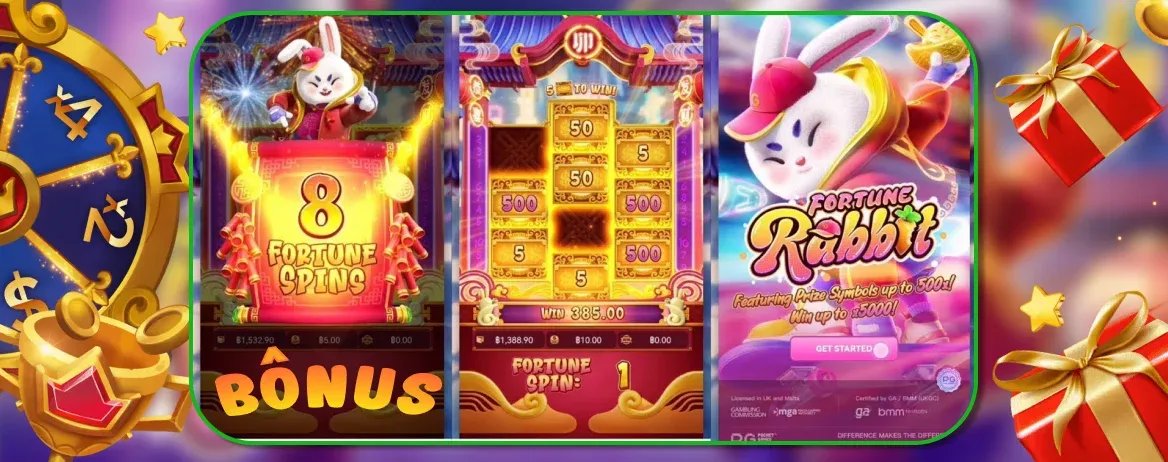
Get the best experience with 789pg through the official mobile app — lightweight, fast, and fully optimized for Malaysian users, available for Android and iOS.
The 789pg app is available for all major mobile devices
Download the APK file directly and install it on your Android device. Supports Android 7.0 and above.
Install the 789pg app directly on your Apple device. Compatible with iOS 13 and above for iPhone and iPad.
Prefer not to install an app? Access 789pg directly through your web browser — the same experience with no download required.
Installing the 789pg app on an Android device is a straightforward process that takes just a few minutes. Follow the steps below to get started:
Go to Settings > Security > enable "Unknown Sources" or "Install Unknown Apps". This allows APK files to be installed outside of the official app store.
Tap the download button above and wait for the APK file to finish downloading to your device. The file size is approximately 15MB only.
Find the APK file in your Downloads folder, tap to open it, and follow the installation instructions. The process is typically completed in under one minute.
Once the app is installed, open 789pg, log in with your existing account or register a new account for free to start playing.
IPhone and iPad users can also enjoy the full 789pg experience through a mobile app optimised for iOS. The process is simple:
Tap the iOS download button above using your Apple device. You will be directed to the 789pg configuration profile installation page.
When prompted, tap "Allow" to download the profile. Then go to Settings > General > Device Management to install and trust the profile.
Once the profile is trusted, the 789pg app icon will appear on your home screen. Tap the icon to launch the app and start playing.
Enter your login details or register a new account. All features and games are fully available on the iOS version of 789pg.

More than just an app — a complete gaming experience
The 789pg app is optimized for Malaysia's mobile networks — games run smoothly even on a standard 4G connection with no lag or disruptions.
Receive instant notifications about betting results, the latest promotions, deposit bonuses, and important updates directly to your phone.
Every login session is protected with SSL encryption and optional two-factor authentication. Your personal data and transactions are always secure.
Slots, sports betting, bingo, live games — all accessible in one app with no need to switch platforms or log in multiple times.
Manage your finances directly in the app — deposits, withdrawal of wins, and account balance checks all on one clean screen.
The battery saver mode lets you play longer without worrying about your phone running out of power — especially useful during extended gaming sessions.
Many Malaysian users today spend most of their time on smartphones — from morning news to late-night entertainment. 789pg understands these patterns and has invested heavily in ensuring their mobile experience is the best in the industry.
The 789pg app is not simply a scaled-down version of the website crammed onto a small screen. It was rebuilt from the ground up using a mobile-first approach — meaning every button, every menu, and every animation is designed specifically for touch and smaller displays. The result is an interface that feels natural and comfortable to use, even for first-time users.
One aspect that loyal 789pg users consistently praise is the stable connection during live game sessions. Unlike some platforms that frequently disconnect under high server load, 789pg's infrastructure is built to handle large numbers of concurrent users without compromising the quality of the gaming experience.
Visually, the app uses a design consistent with the website — clean colors, clear typography, and easy-to-understand icons. Navigating between sections such as slots, betting, bingo, and your account can be done in one or two taps. No confusion, no overly nested menus.
For players who enjoy slot games, the app 789pg delivers sharp game graphics rendering thanks to WebGL support and the latest HTML5 technology. Win animations, sound effects, and visual effects are all optimized for modern OLED and LCD screens without overloading your device's processor.
For sports betting fans, the in-app live betting feature lets you follow real-time scores and place wagers without switching tabs or apps — everything flows seamlessly in one place.
Download Security Guaranteed: All APK files and iOS profiles provided by 789pg have undergone strict security checks. We never embed any malware or malicious code in our app. For more information, please check Privacy Policy us.
Although the APK size is small, downloading over WiFi is recommended to save your mobile data quota.
During installation, make sure your phone battery is at least 30% to avoid interruptions.
Make sure your device has at least 50MB of free storage space before starting the installation.
Update the 789pg app whenever a new version is available to get the latest features and security patches.
Only download from official 789pg links to ensure you receive a genuine and secure app.

| Specifications | Android | IOS |
|---|---|---|
| Minimum OS Version | Android 7.0 (Nougat) | IOS 13.0 |
| Recommended RAM | 2GB or more | 2GB or more |
| Storage Space | 50MB (minimum) | 60MB (minimum) |
| Internet Connection | 3G / 4G / WiFi | 3G / 4G / WiFi |
| File Size | ~15MB (APK) | ~18MB (IPA) |
| Processor | Quad-core 1.4GHz+ | Apple A9 or above |
| Minimum Display | 5 inches, 720p | 4.7 inches (iPhone 6S) |
No — if you already have an account 789pg that is active, simply log in using the same username and password. All your balance, betting history, and bonuses will be displayed as usual.
If this is your first time using 789pg, register a new account for free directly from the app. The registration process takes less than three minutes and requires no payment.
New users are also eligible for a welcome bonus, which will be automatically credited to your account after your first successful deposit.

While both platforms offer a full experience, the mobile app comes with several exclusive advantages
| Features | Mobile App | Website |
|---|---|---|
| Push Notifications | Yes | No |
| Browser-Free Access | Yes | Browser Required |
| Biometric Login | Fingerprint/Face ID Support | No |
| Game Performance | Fully Optimized | OK |
| Automatic Updates | Yes | Always Up to Date |
| Data Saver Mode | Available | No |
Answers to the most frequently asked questions about the app download
Install the free app today and enjoy all 789pg games directly from your smartphone — anytime, anywhere.